Pawsport turns a place, or just an idea like cherry blossoms or a ski week, into day-by-day plans of real places. It keeps every booking in one place and walks each day with you, from your Lock Screen to the recap.
For iPhone. Free to start. Joining a friend's trip? Open their link: no app needed.
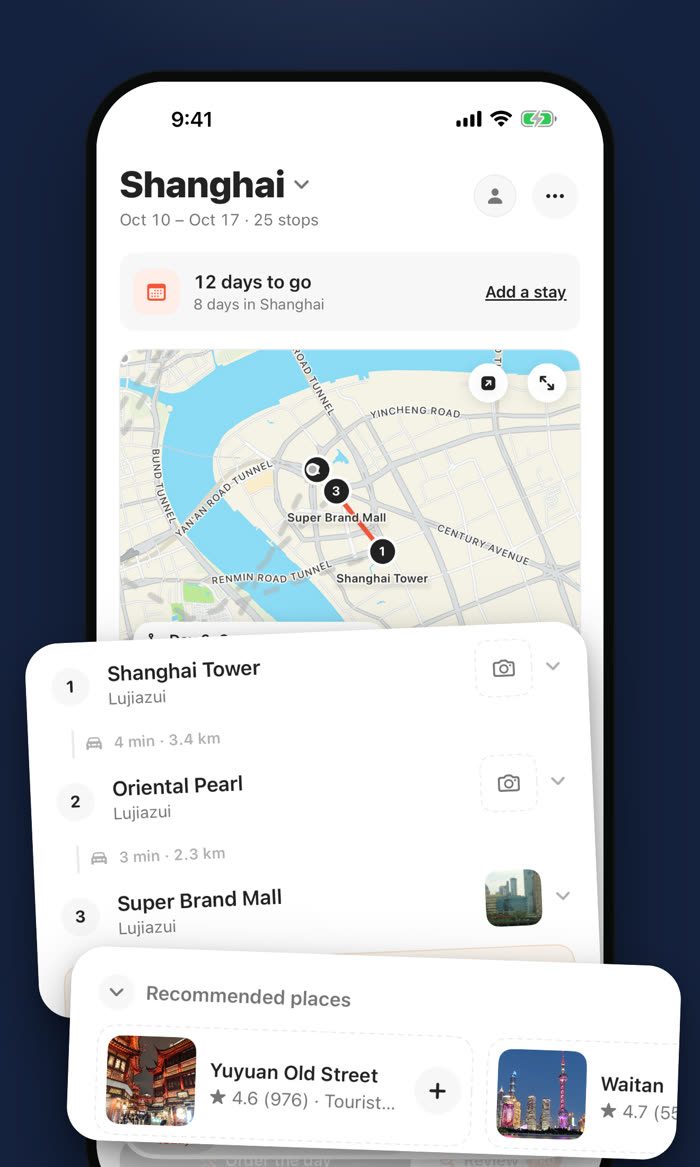
From the first idea to the recap you share when you're home.
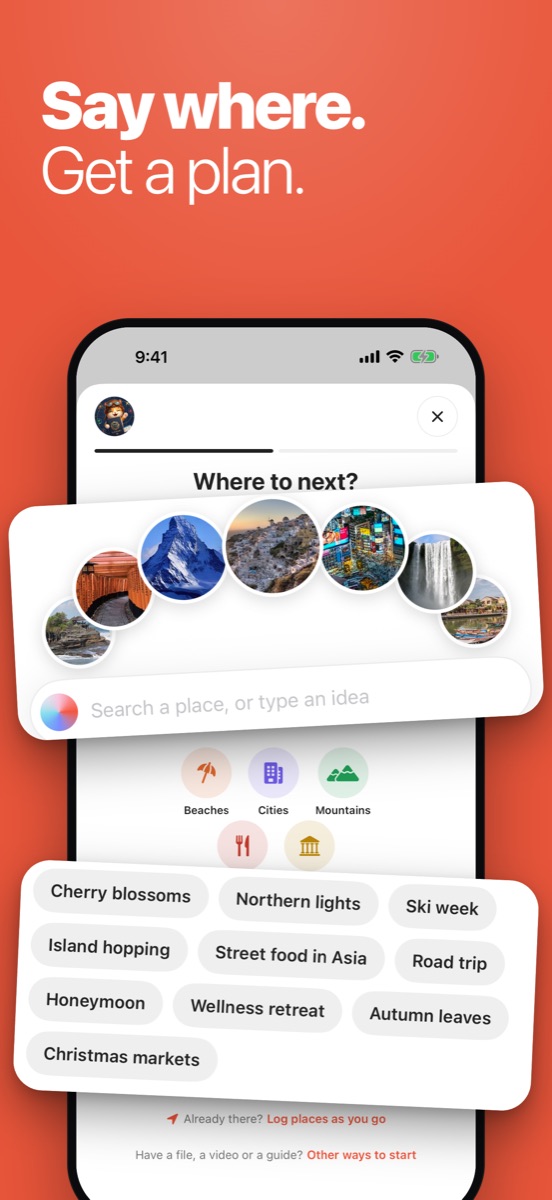
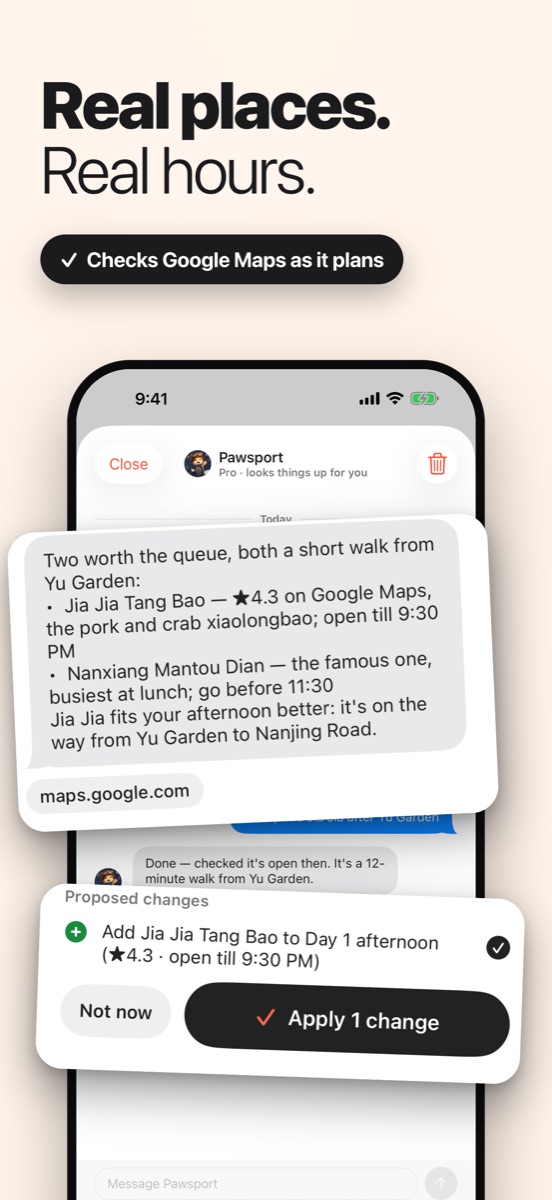
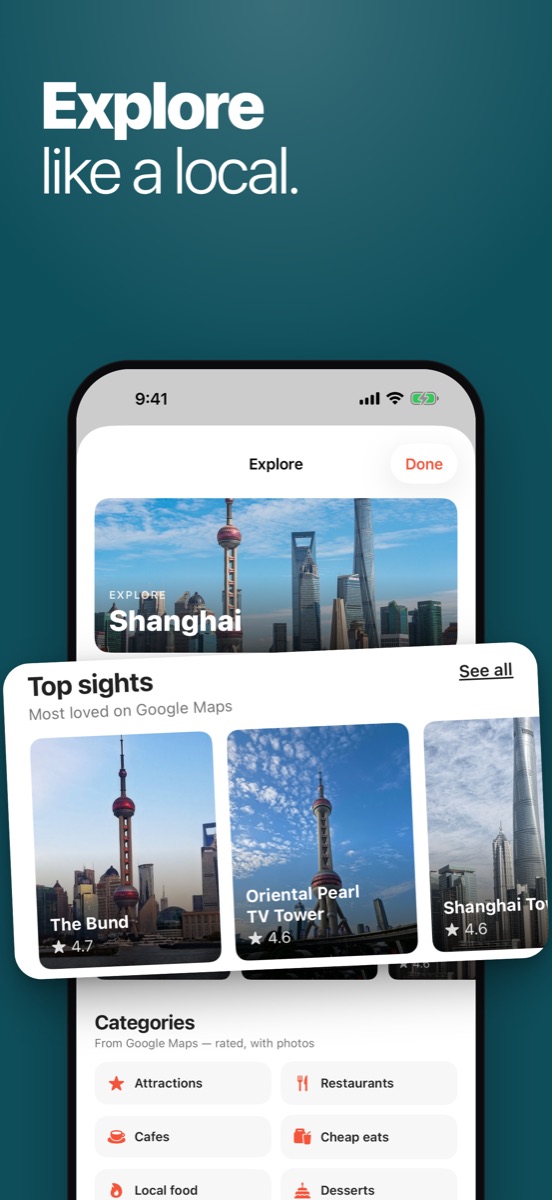
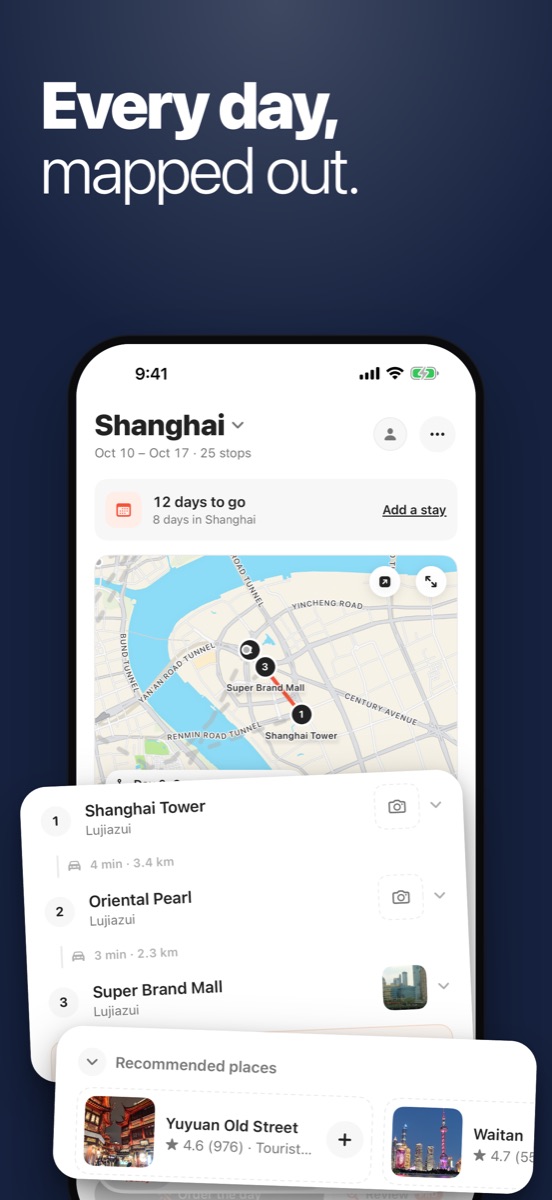
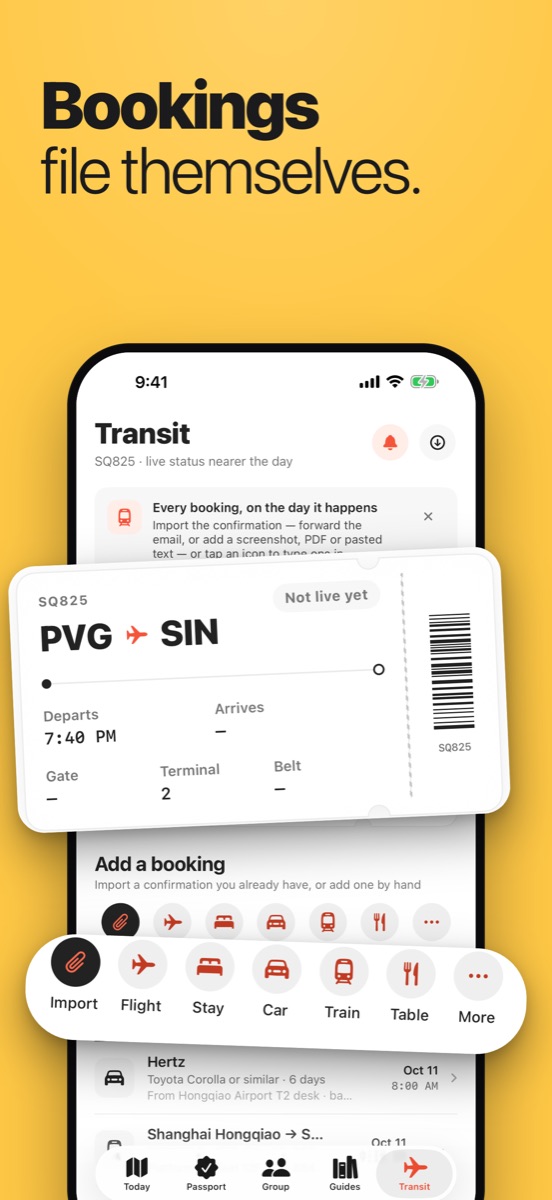
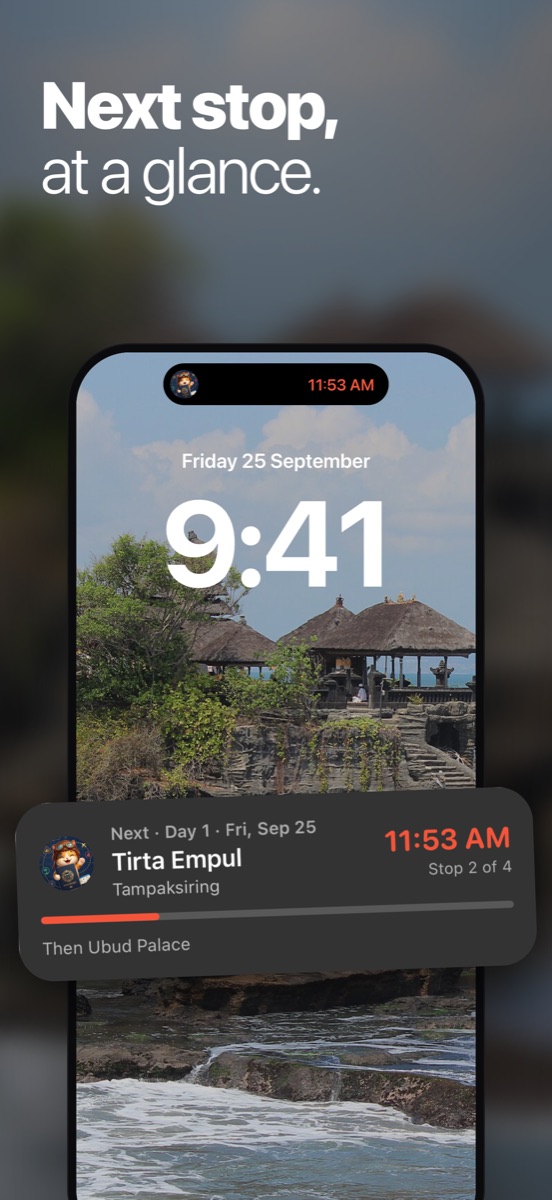
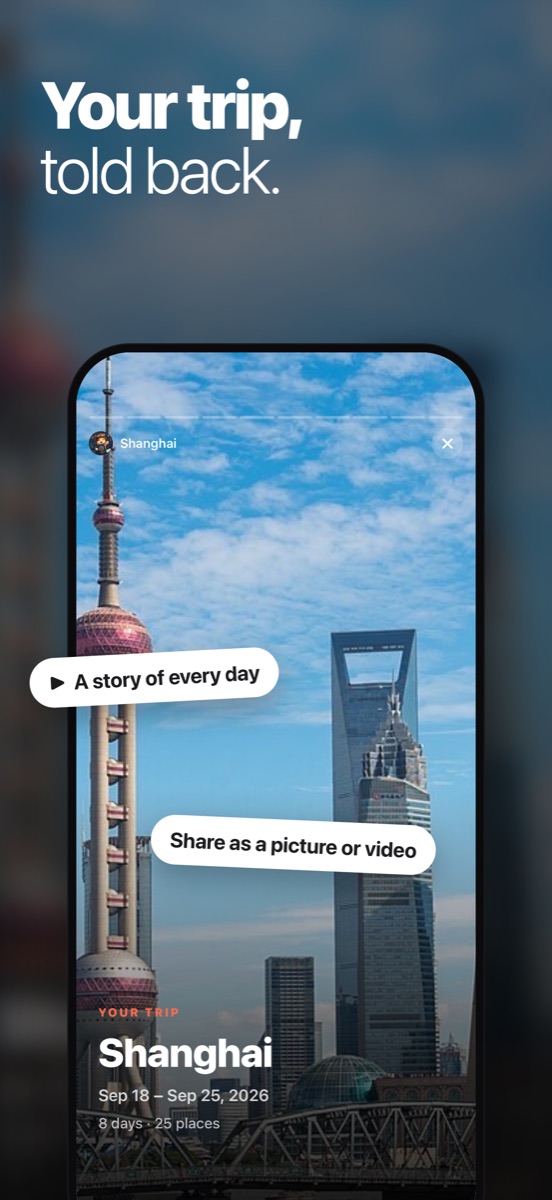
Planning, bookings and the days themselves, in one place.
Plans are built from places that exist, checked against Google Maps for ratings and opening hours, and grouped so each day stays in one or two areas.
What's open late near your hotel, whether you need cash, a quieter spot for the afternoon. Pawsport answers and changes the plan when you ask.
Forward the confirmation email, or drop in a PDF or screenshot. Flights, hotels, trains, ferries, cars and tables land on the right day.
Your next stop and a countdown on the Lock Screen and in the Dynamic Island, widgets for your Home Screen, and maps that work with no signal.
What your passport needs to get in, whether it's valid long enough, the arrival card, nights still without a bed, and the few things worth knowing before you land.
Top sights, food, cafés and markets with photos and ratings, how to get around, and day trips worth taking. Add anything to a day in one tap.
Check in at each stop, add your photos, and get a logbook and a recap to share, with every place you went stamped in your passport.
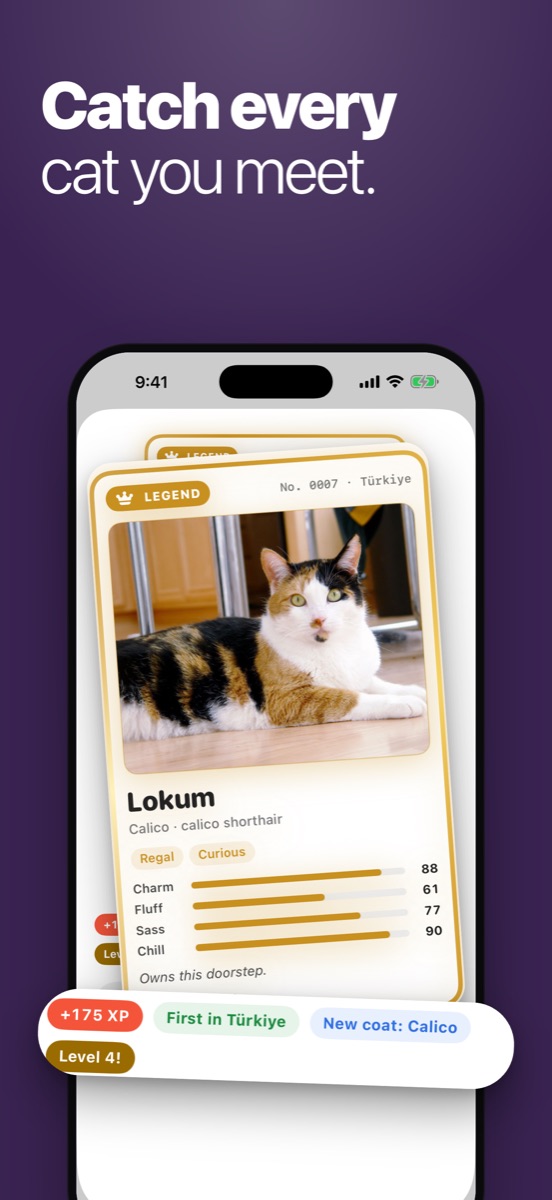
Every cat you meet on the way becomes a card in your collection, and some of them are legends.
Share a trip and plan it together. Friends join from a link, in their browser, with no app and no account.

Plan your first trip without paying anything.
Free
Monthly or yearly subscription, in the app
Not yet. Pawsport is for iPhone. Friends on Android can still join a trip you share: it opens in their browser.
No. There's no sign-up, no email and no password. Your trips live on your phone.
Pawsport reads them from official sources and shows where and when it checked. Rules change, so always confirm with the embassy before you fly.
In the app, open your profile and tap Delete my data. It happens straight away. See the privacy policy for what's kept and why.
More in Support.
 Pawsport